
Top Set Timer · iOS · Free + $2.99 Pro
Just a timer. No frills.
The countdown stays on your lock screen and in the Dynamic Island, so you don't have to unlock your phone mid-set. Save the intervals you actually use, start them in one tap, or pick from ten built-in templates.
Inside the app
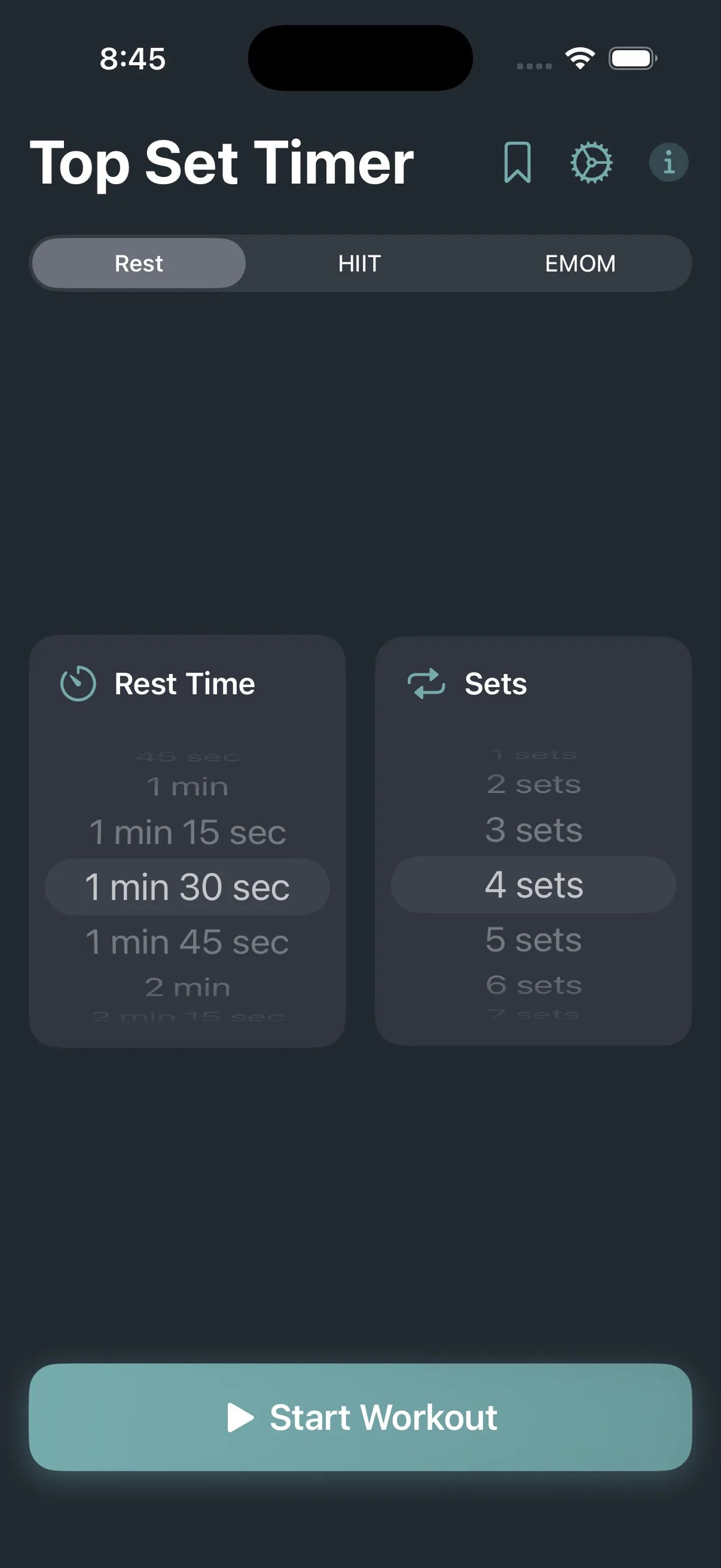
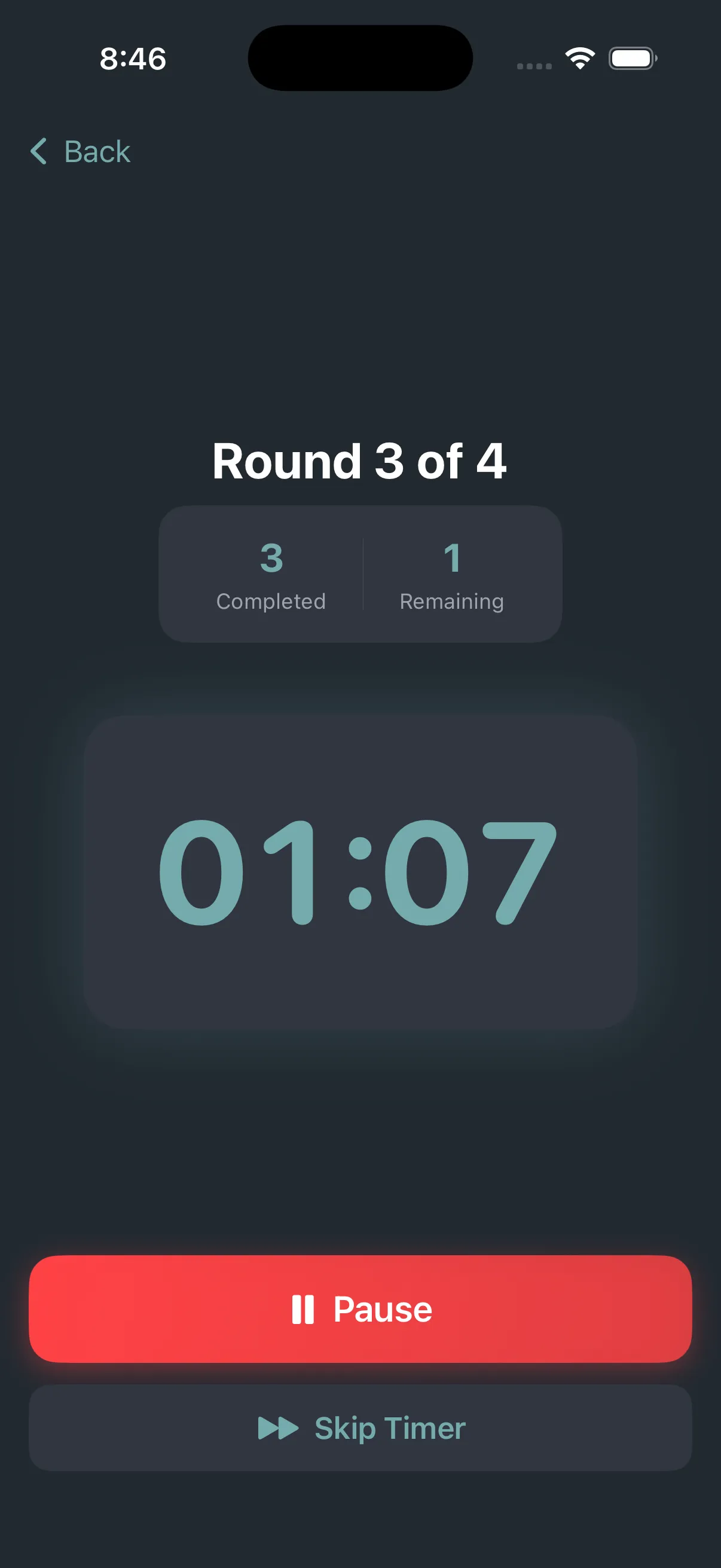
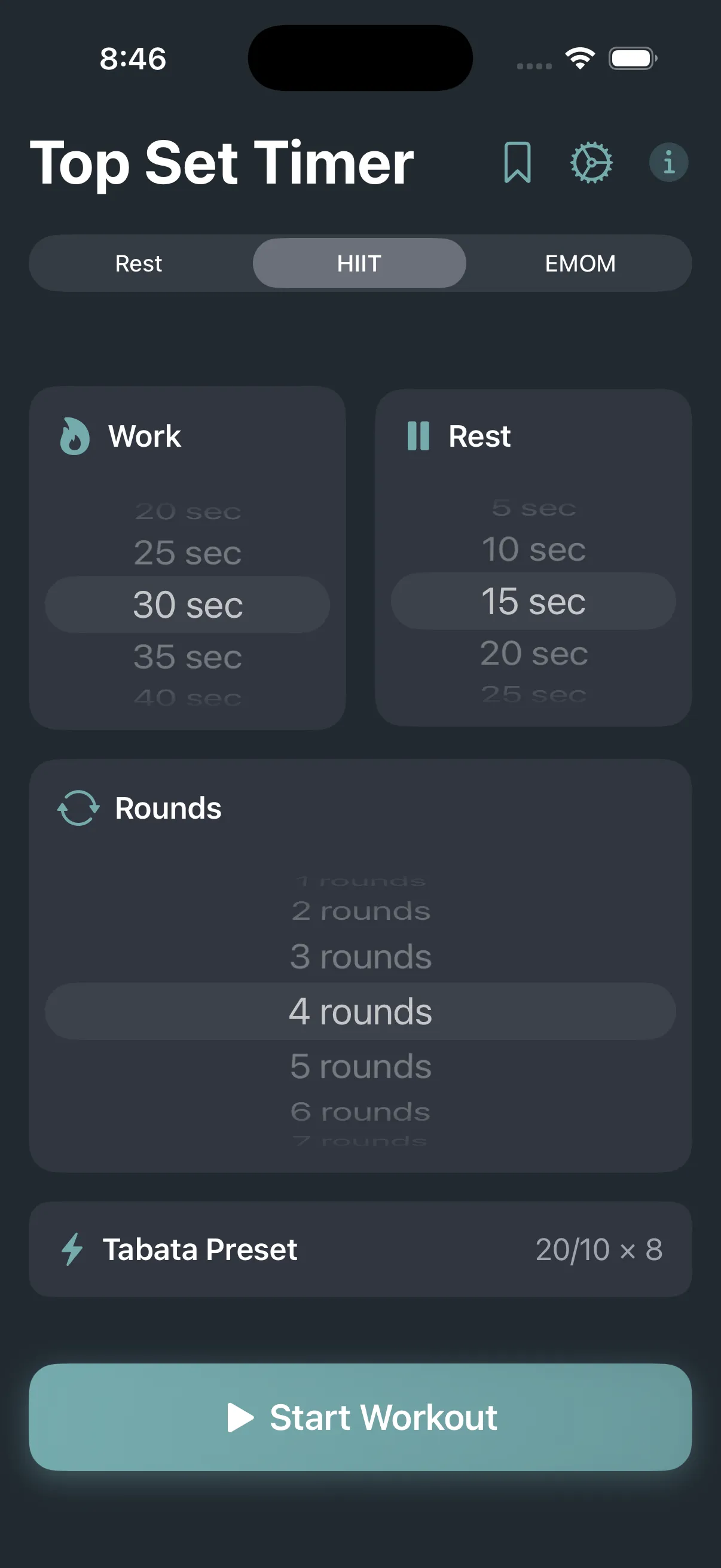
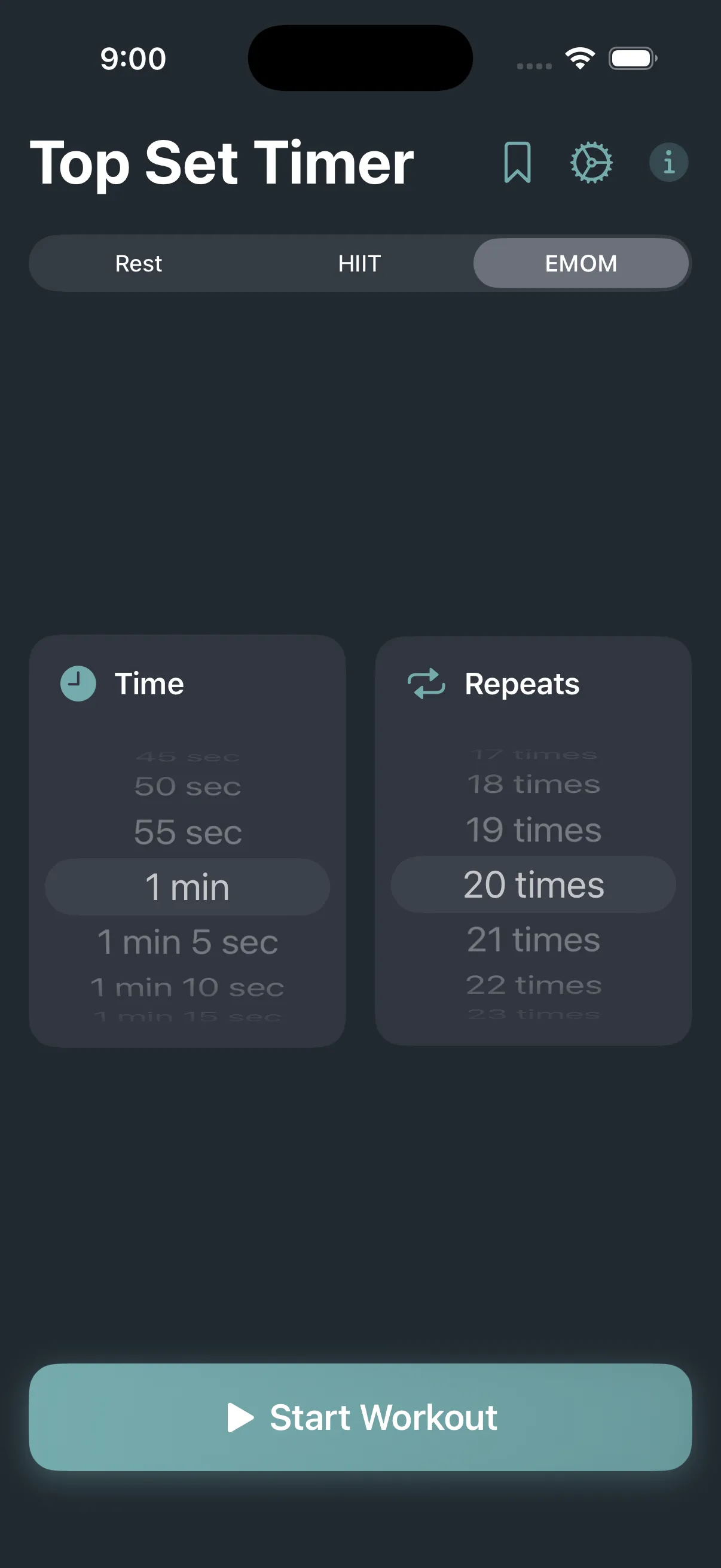
Features
Lock-screen countdown via Live Activities
Dynamic Island timer (compact + expanded)
10+ workout templates (HIIT, strength, stretching)
Custom multi-phase workouts with auto-advance
Six alert sounds, seven accent colors (Pro)
What's in Pro ($2.99 one-time)
- A lock-screen Live Activity that shows the current phase, time remaining, and round number.
- Dynamic Island support, with both compact and expanded views, on iPhone 14 Pro and later.
- Unlimited named presets. Useful for things like "Heavy Day Rest" or "Morning HIIT" that you start often.
- Six alert sounds (beep, bell, chime, ding, horn, whistle) and seven accent themes.
One-time purchase. The free version covers the basic timer.
Built-in templates
Tap a template, hit start. Or build your own multi-phase workout with custom work/rest intervals, round counts, and auto-advance.
Running the strength rest timer between heavy sets? The free one-rep max calculator and RPE calculator help you set the working weights those rests are for.
- Classic HIIT (30/30)
- Tabata (20/10)
- Strength rest timer
- EMOM
- AMRAP block
- Stretching circuit
- Boxing rounds
- Cooldown protocol